Stack
- Member app
- ViaAccess Technician
- Door sensor (1 per door)
- Identity hub (landing, admin, guest web)
Talk to us · Leave your interest and we will get in touch.
I'm interestedInstallation uses the ViaAccess Technician app. No panel QR.
On the phone, open the ViaAccess Technician app and sign in with the organization manager's account.
Place the sensor at the lock and finish setup in the app.
Residents, students, or coworkers use the member app: sign in with an email link and enter from the app.
Guests use the Identity web flow (/guest/pass), when enabled by the manager.
Admin panel, member app, and door sensor in one system. Members, guests, rules, and history in the same place.
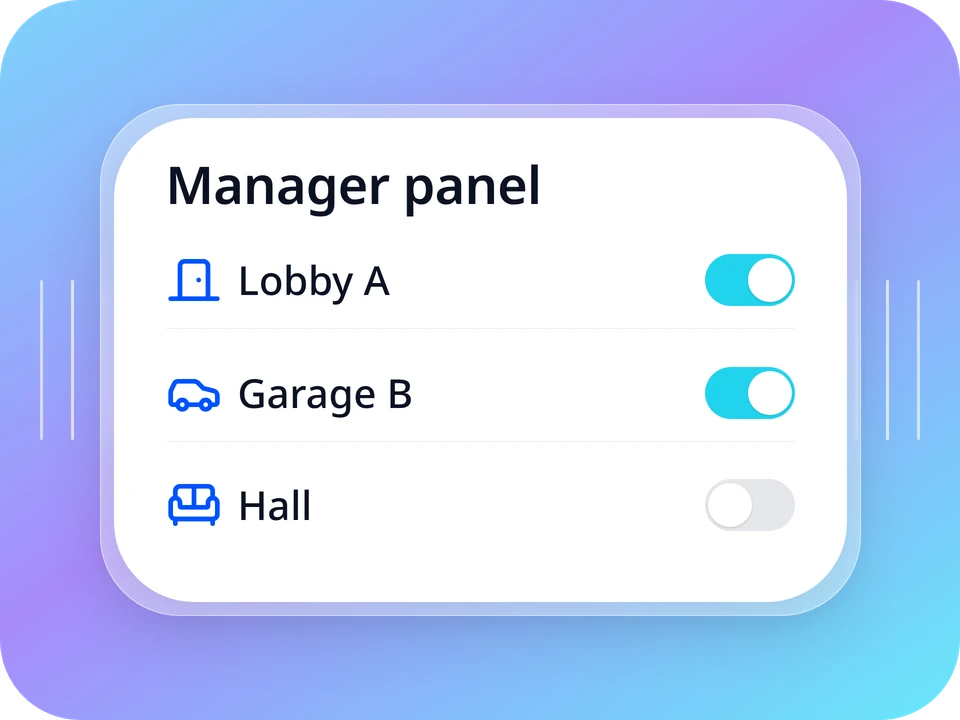
01 — Admin panel Members, guests, access points, and daily history. Bilingual, responsive, nothing to install.
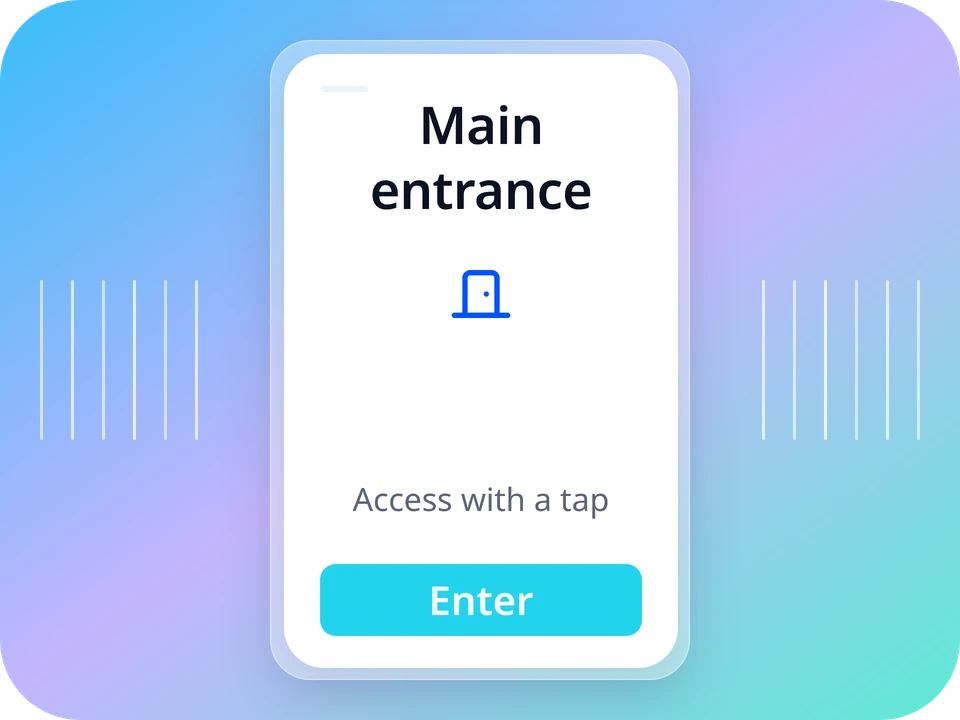
02 — Member app Sign in with an email link, no password. Members see their doors and tap Enter.
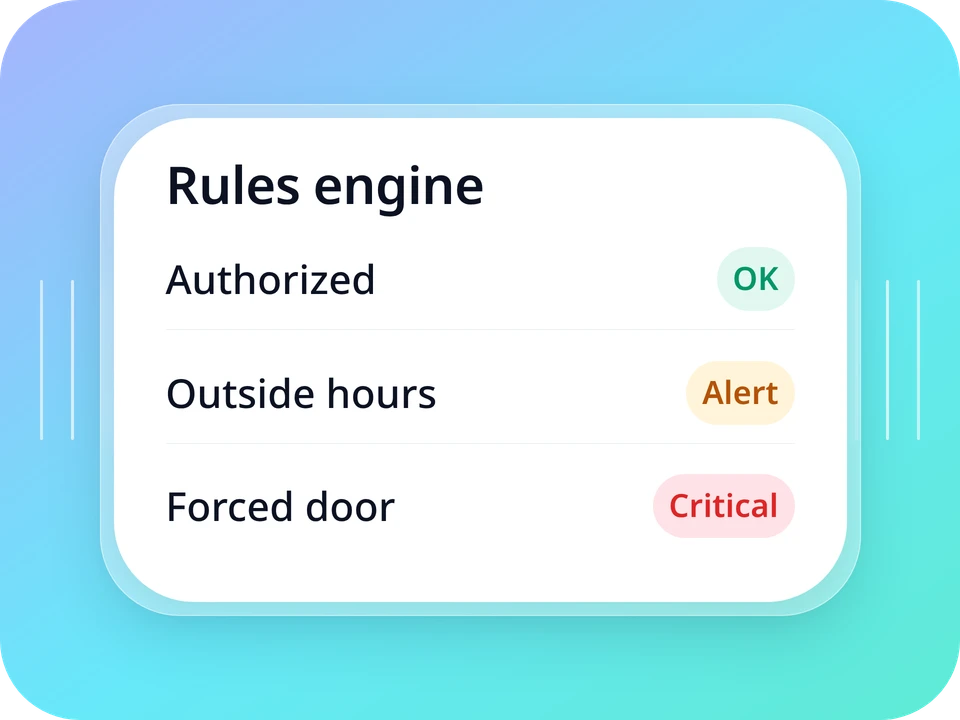
03 — Built-in rule engine Authorized entry and exit, repeat-entry blocking, allowed hours, unauthorized entry, and forced door.
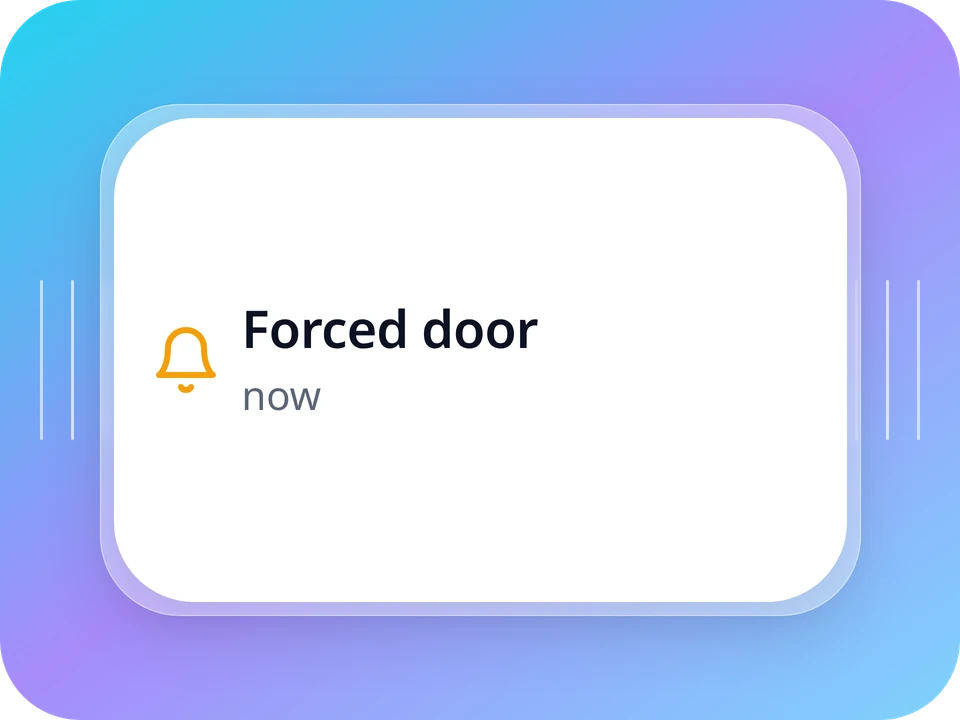
04 — Real-time alerts Managers get a push when a door is forced. Members are warned if they leave the door open.
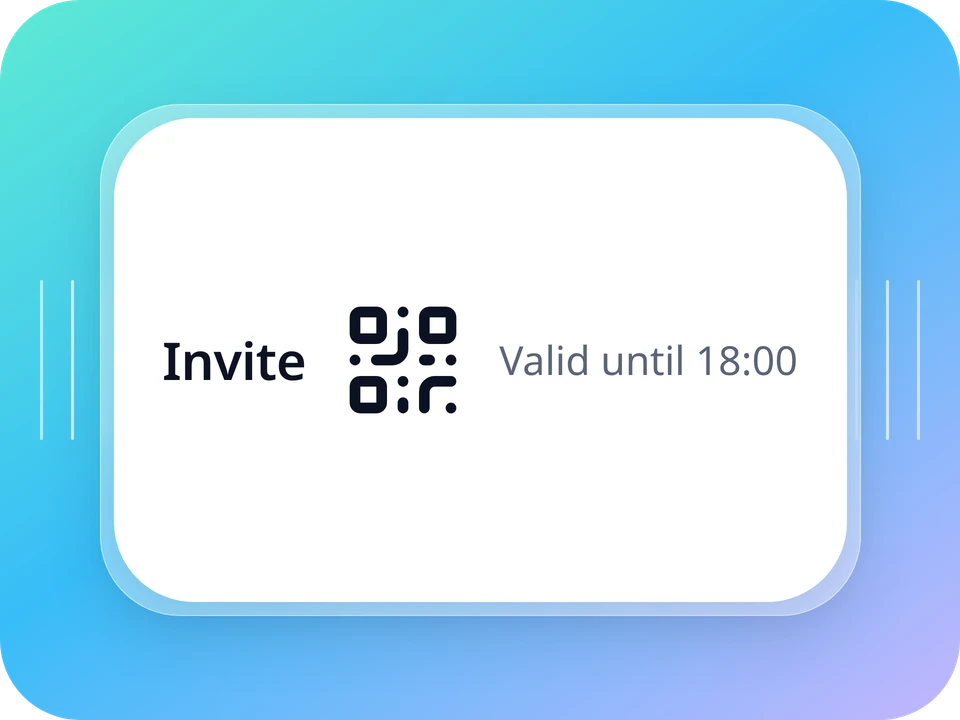
05 — Guests with QR by email Validity window, access point, and a link with the QR straight in the guest's inbox. No app.
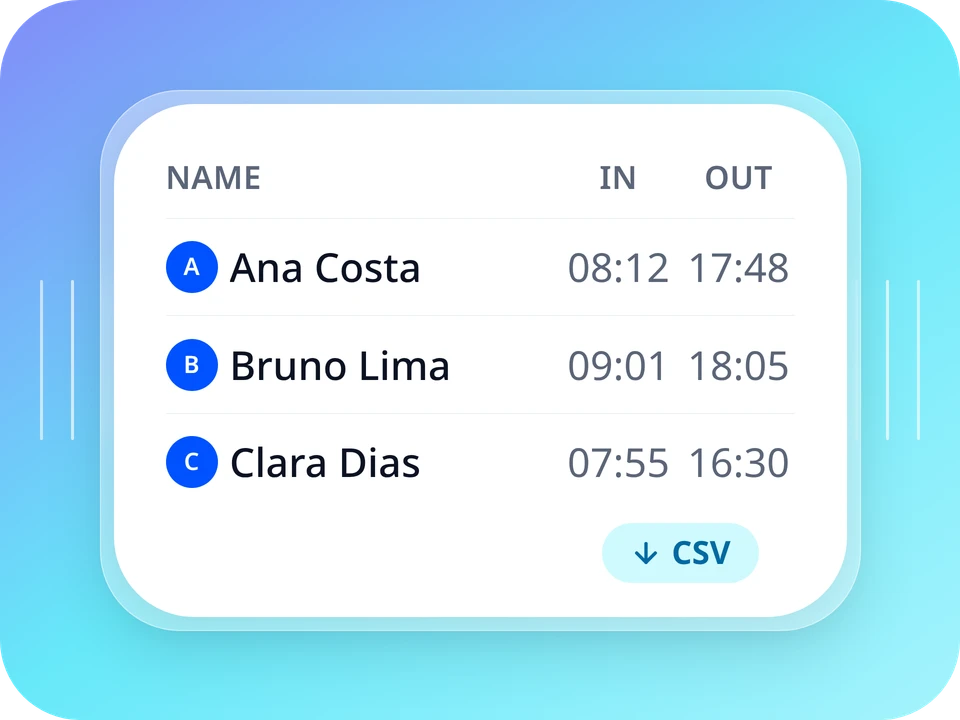
06 — Attendance export A file with entries and exits, ready to import into your time and attendance system.
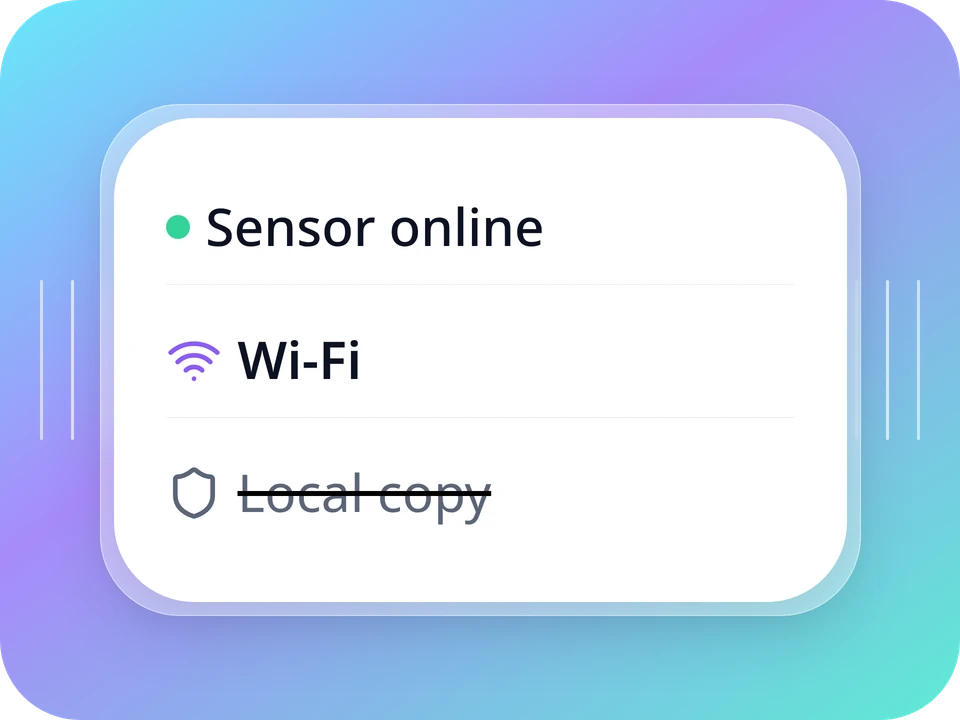
07 — Works offline The sensor keeps a copy of the permissions and syncs when the network returns.
Our software and a sensor at the door. No self-host and no third-party controller.
On-site Wi-Fi. The sensor is set up in the ViaAccess Technician app.
Admin panel, member app, rule engine, and alerts are included in every plan. Only the number of access points changes.
To prove out the first door.
R$99/month
1 access point
Small condo, gym, or coworking.
R$189/month
Up to 5 access points
Many doors in one system.
R$449/month
Up to 25 access points
Need more doors? Talk to the team.
The door sensor is quoted per project. No self-checkout for now.
Billed in Brazilian reais. The plan is unlocked after we align the kit for your site.
Talk to the team
Tell us the type of space and how many doors. We spec the kit and unlock the plan.
No. Identity was designed for the ViaAccess sensor and relies on features it provides (working without internet, knowing if the door opened, remote updates) that generic controllers do not have. Custom integrations are evaluated case by case.
We need to understand the space — how many doors and which locks — to point you the right way. The plan only makes sense after the sensor is at the door.
It depends on the space: how many doors and which locks. During the first conversation we talk through timing for your case.
The sensor keeps a copy of the permissions and its own clock. Passages are uploaded when the network returns.
Yes. The member app signs in with an email link, no password. Guests with QR by email do not need an app.
No. Identity runs on our infrastructure, with updates, backups, and monitoring handled by us. You only need Wi-Fi at the door and a browser to open the admin panel.